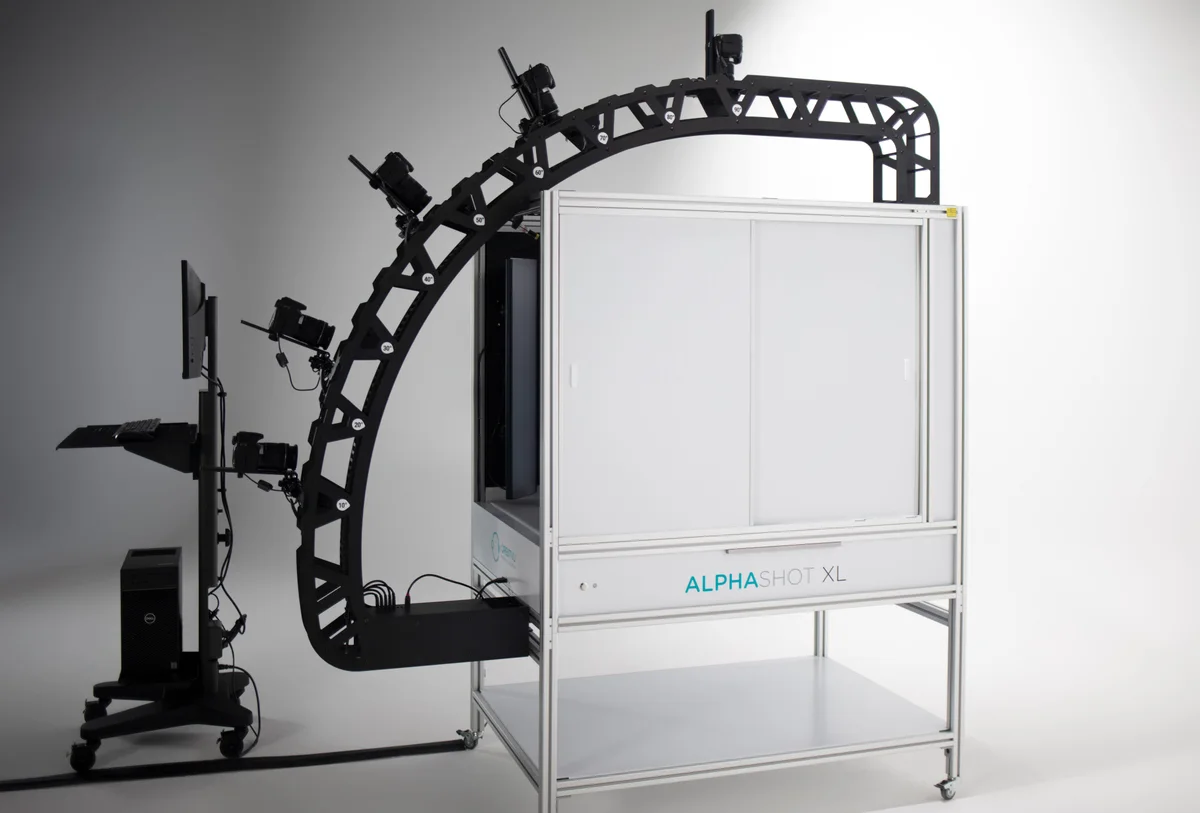
Orbitvu

Orbitvu Station: Product Photography Software

At Orbitvu, we believe in bringing your vision to life. Businesses like yours understand the importance of product interest and driving revenue. You need a scalable product photography system to streamline the production process. We've combined our expertise in professional studio photography with software engineering and AI technology to create Orbitvu Station.

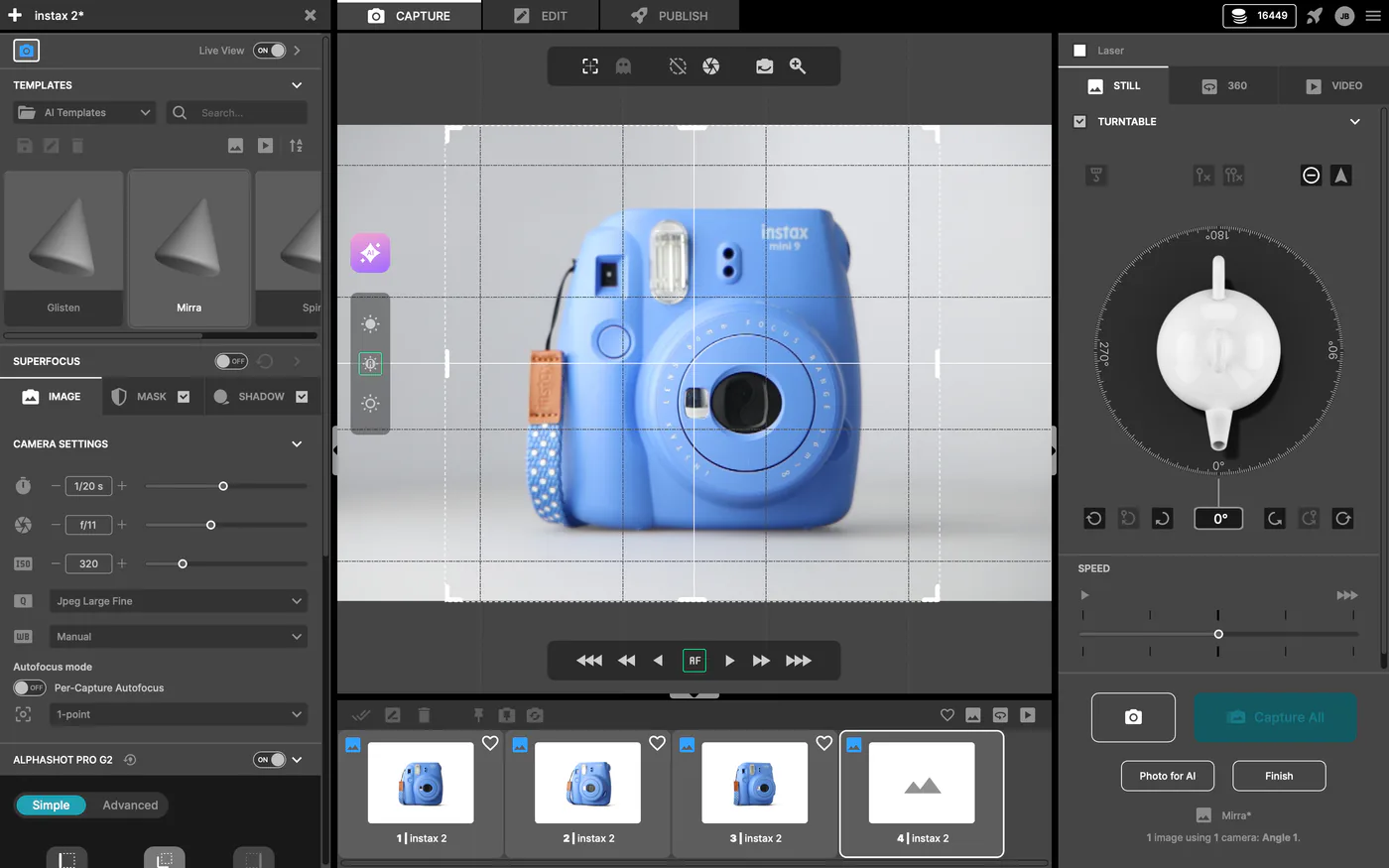
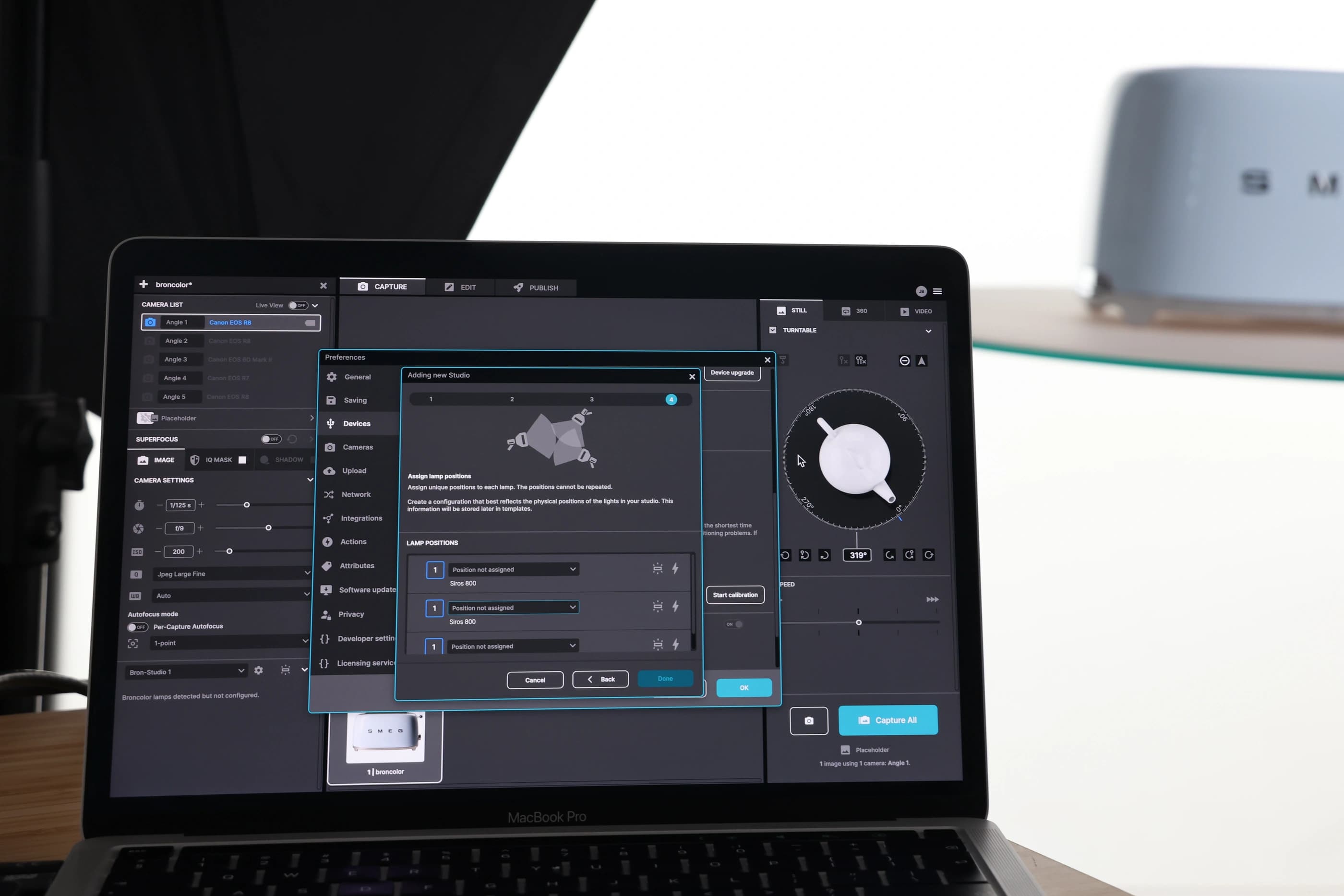
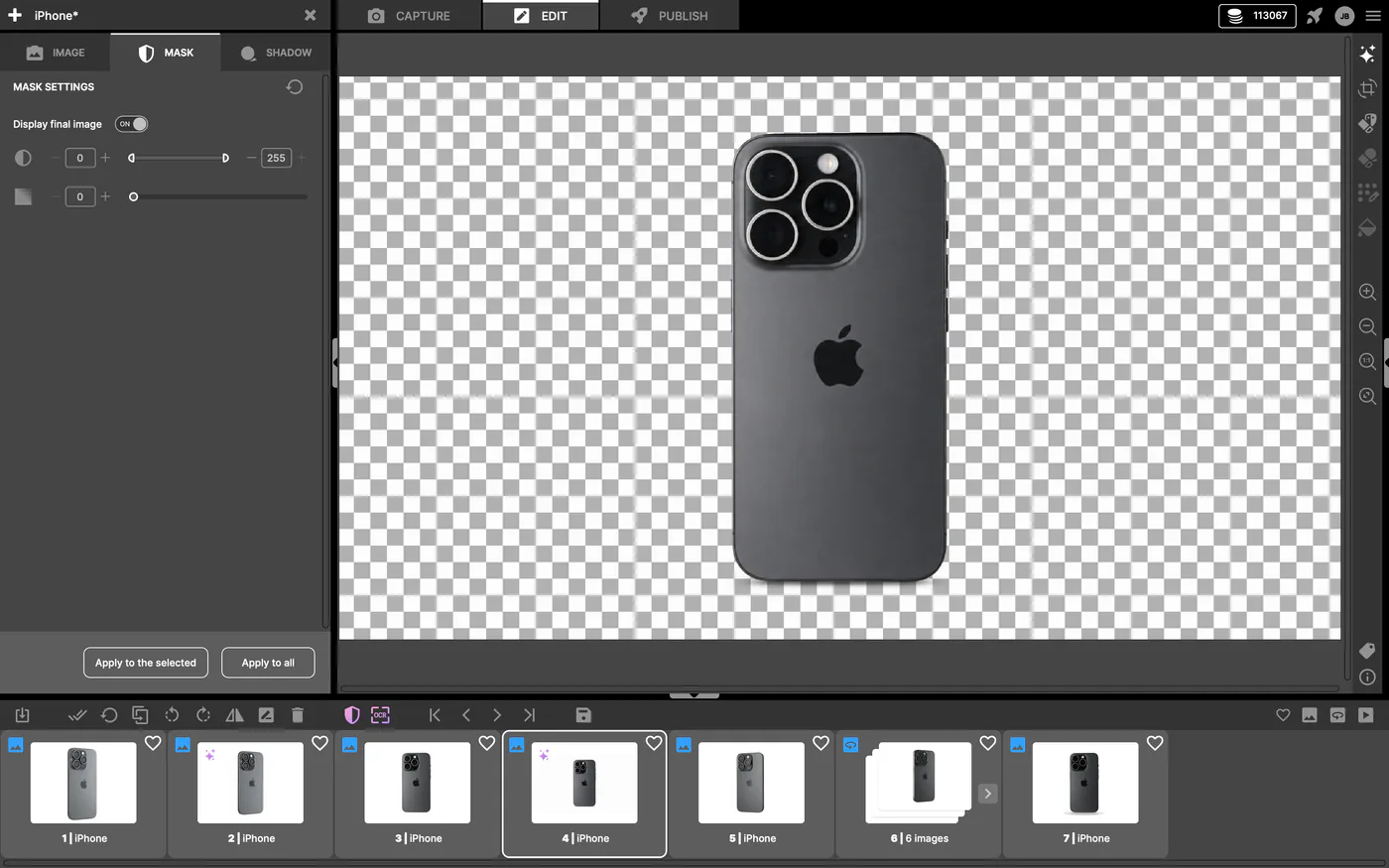
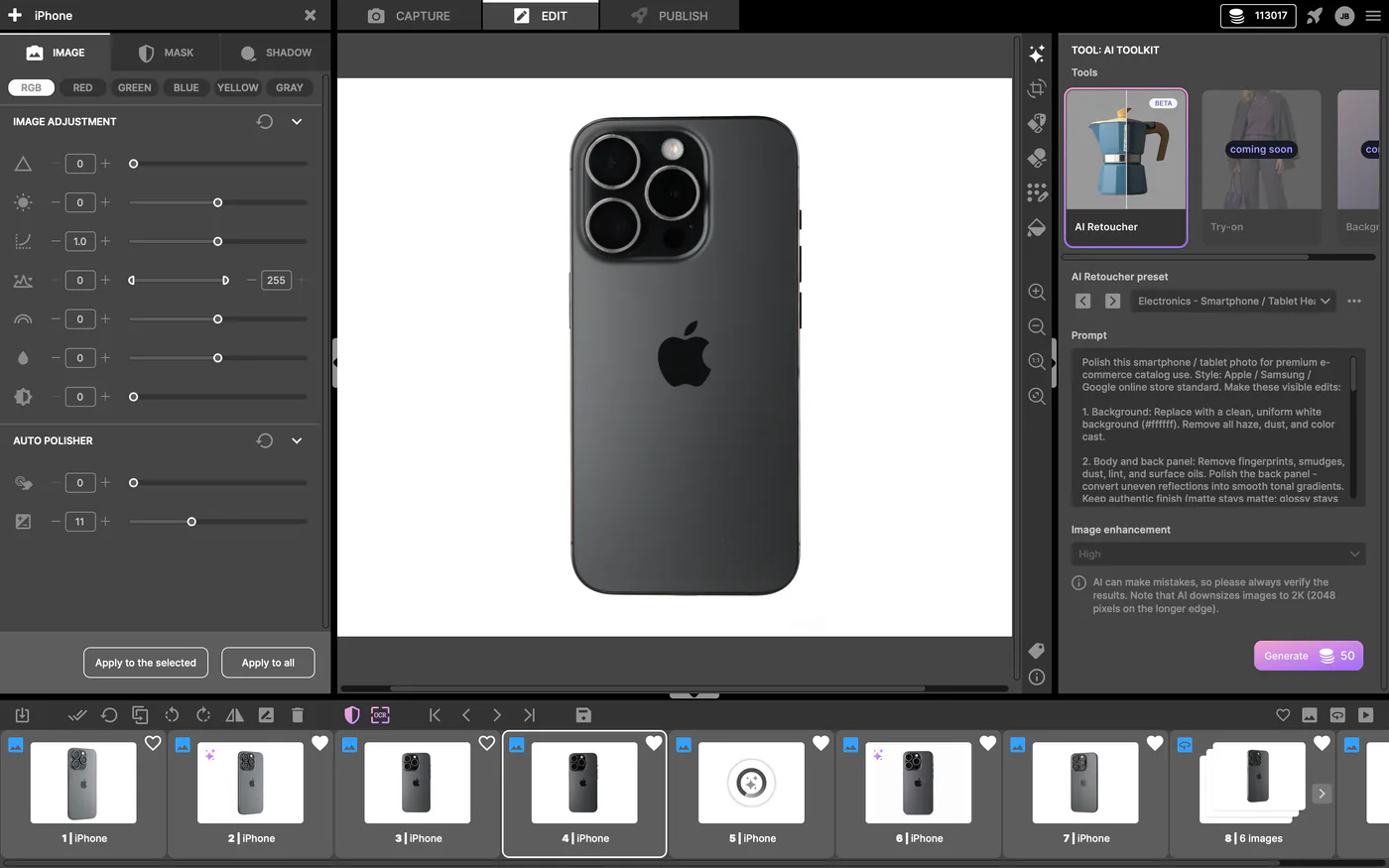
Orbitvu Station product photography software interface

How does this product photography software work?

Product photography software is seamlessly integrated and intuitively works with your hardware in real time, streamlining the entire production and editing process. Optimize backgrounds, crop photos and use innovative editing techniques for professional output every time. The flexibility of overseeing your entire product photography sessions puts you in control of every step.

Integrate Orbitvu Station with other tools to create diverse content for e-commerce, social media, print, or marketing. You can also use our software with other editing tools for quality images and a comprehensive editing process.

Scan barcode

Capture

Remove Background

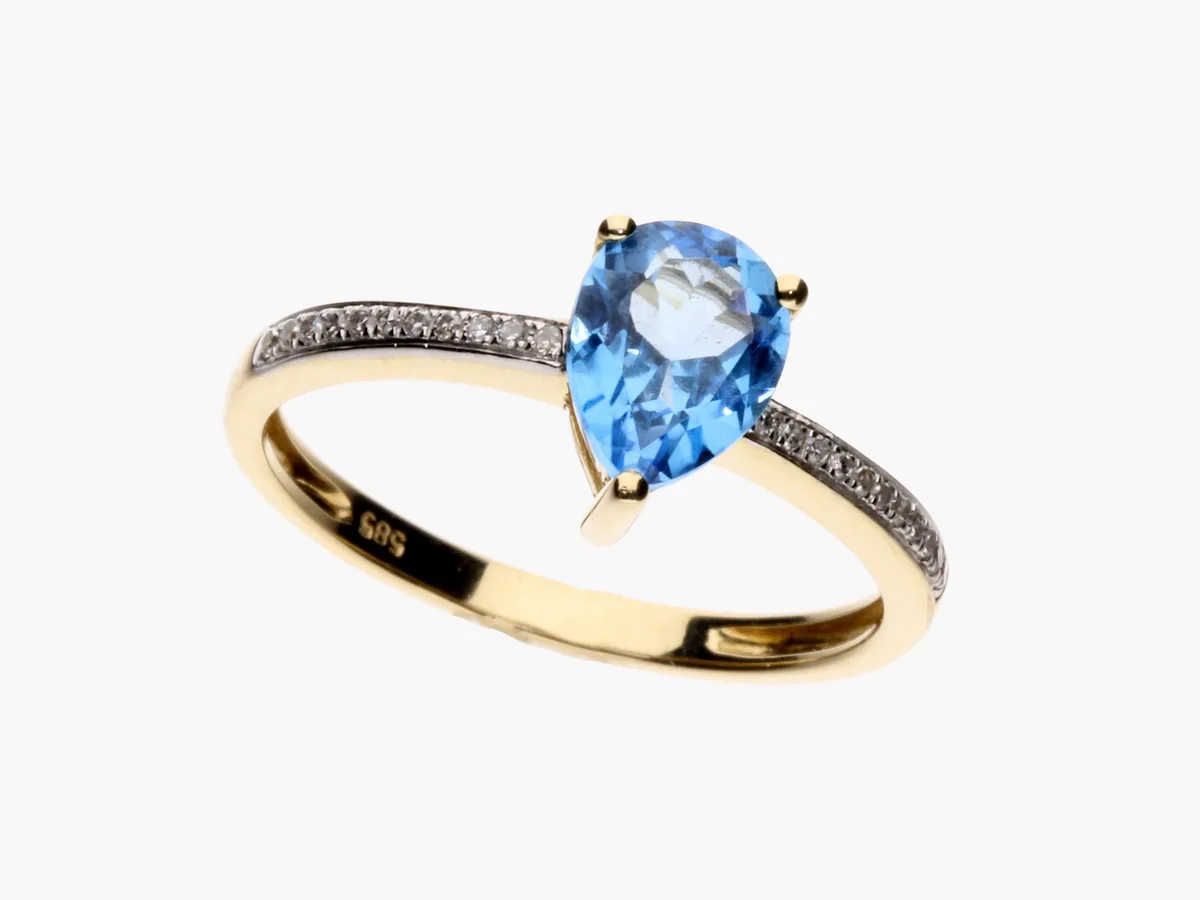
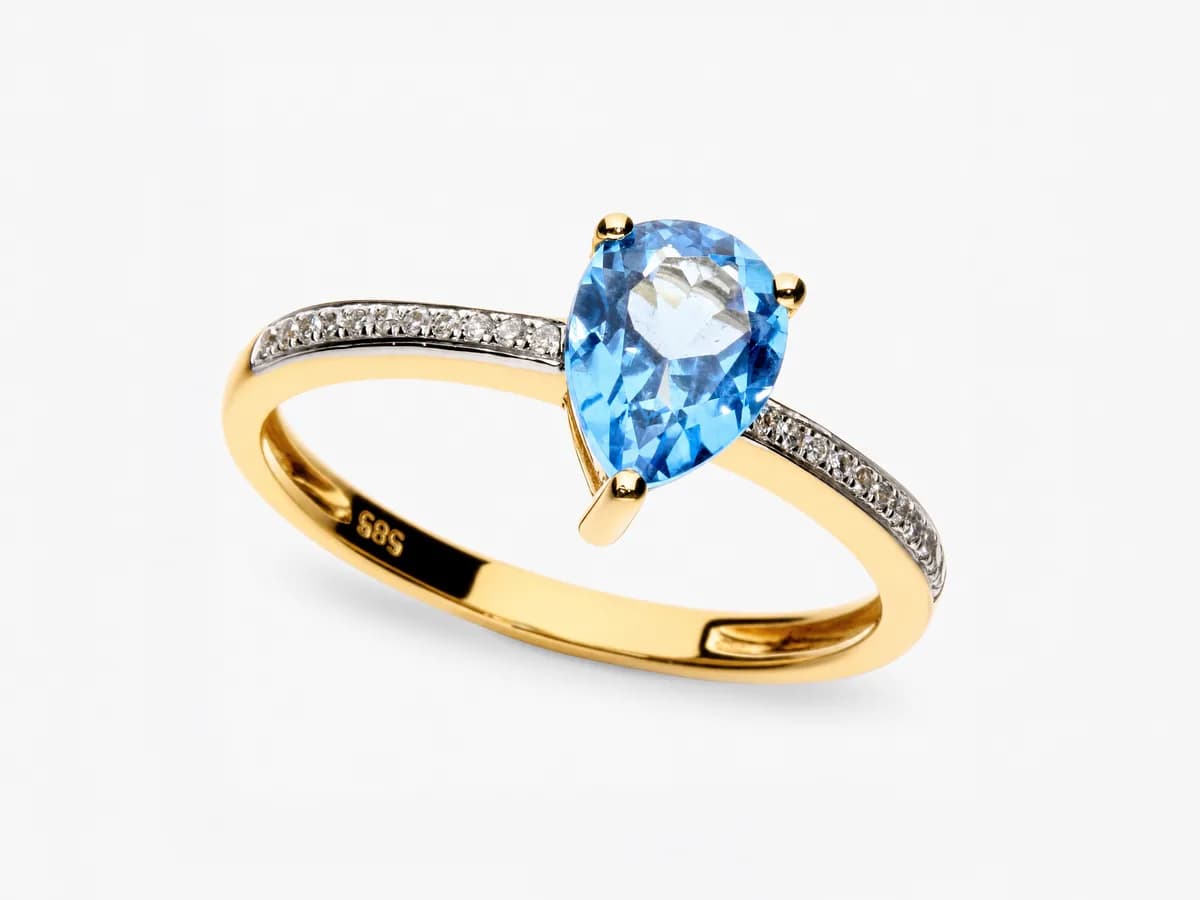
Automatically removes background while taking photos

Post-process

Save more of your time on post-production processes

Replace Background

Replace background with any color or transparency

Crop

Crop object from the image

Align

Align object in the image

Scale

Scale image to final resolution

Output results

Save or publish directly on-line

Enjoy the benefits of product photography automation software

The Orbitvu Station software brings a whole new world to production and editing. Simplified photography automation software provides an all-in-one solution to your business. You no longer need to outsource for production. There is no need for extensive staff training or to manage your working system independently. Orbitvu Station software is an integrated solution.

Our automated software produces professional-quality, versatile visual content so your images speak for themselves. Create your content in-house and on time, and never miss your deadlines.

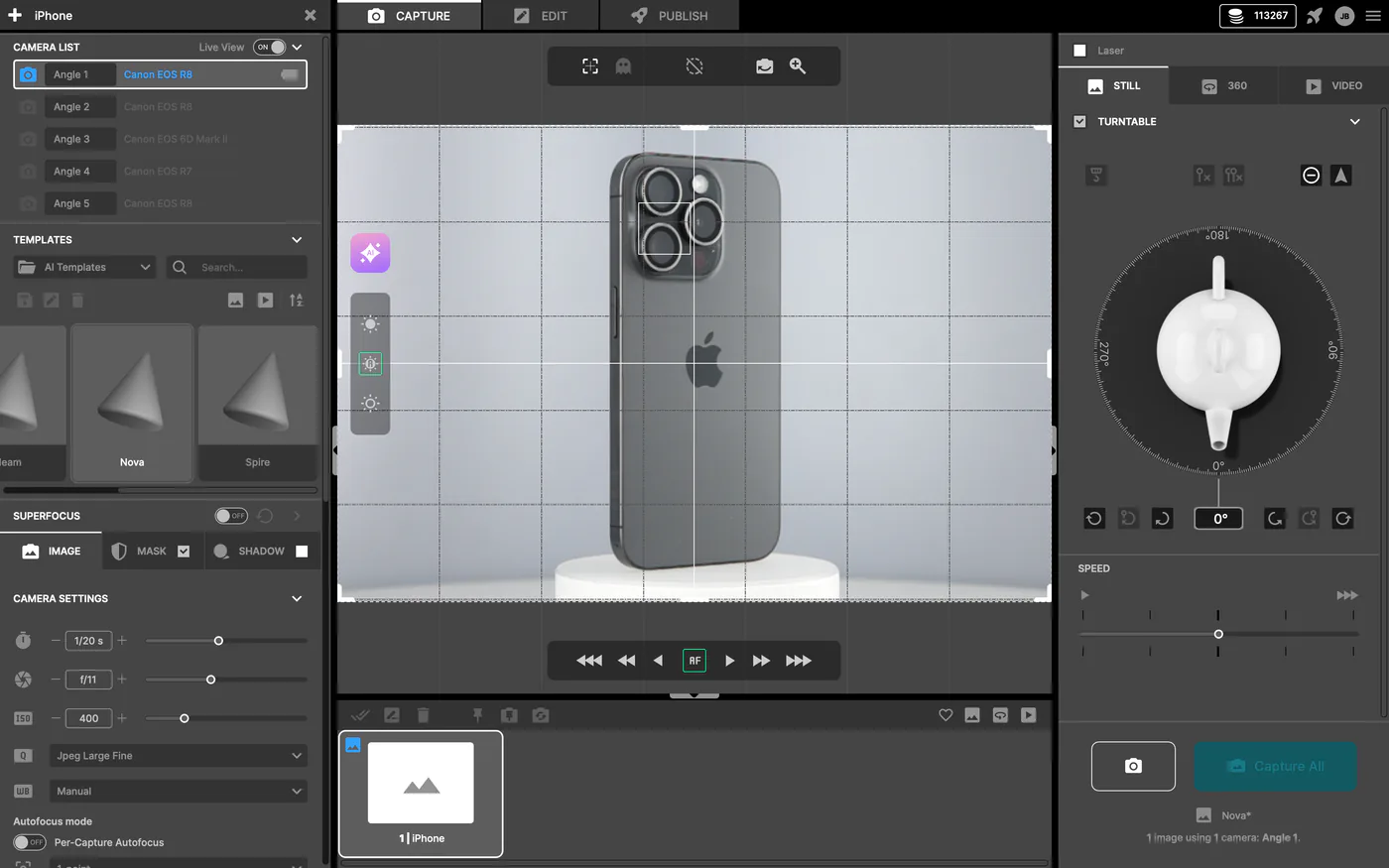
Orbitvu Station 2024 Capture Interface for Product Photography

Ease of use, for everyone

Orbitvu Station software is designed to be used by anyone with only basic training. You can fully customize lighting, cameras settings, preferred image style and see the results in the live preview. Once you get the perfect shot, you can save its settings in a template file, and easily repeat it for the same type of product. Our 1:1 pre-publish content preview allows you to see any publishing setting changes immediately.
Orbitvu Station Efficiency video

Efficiency

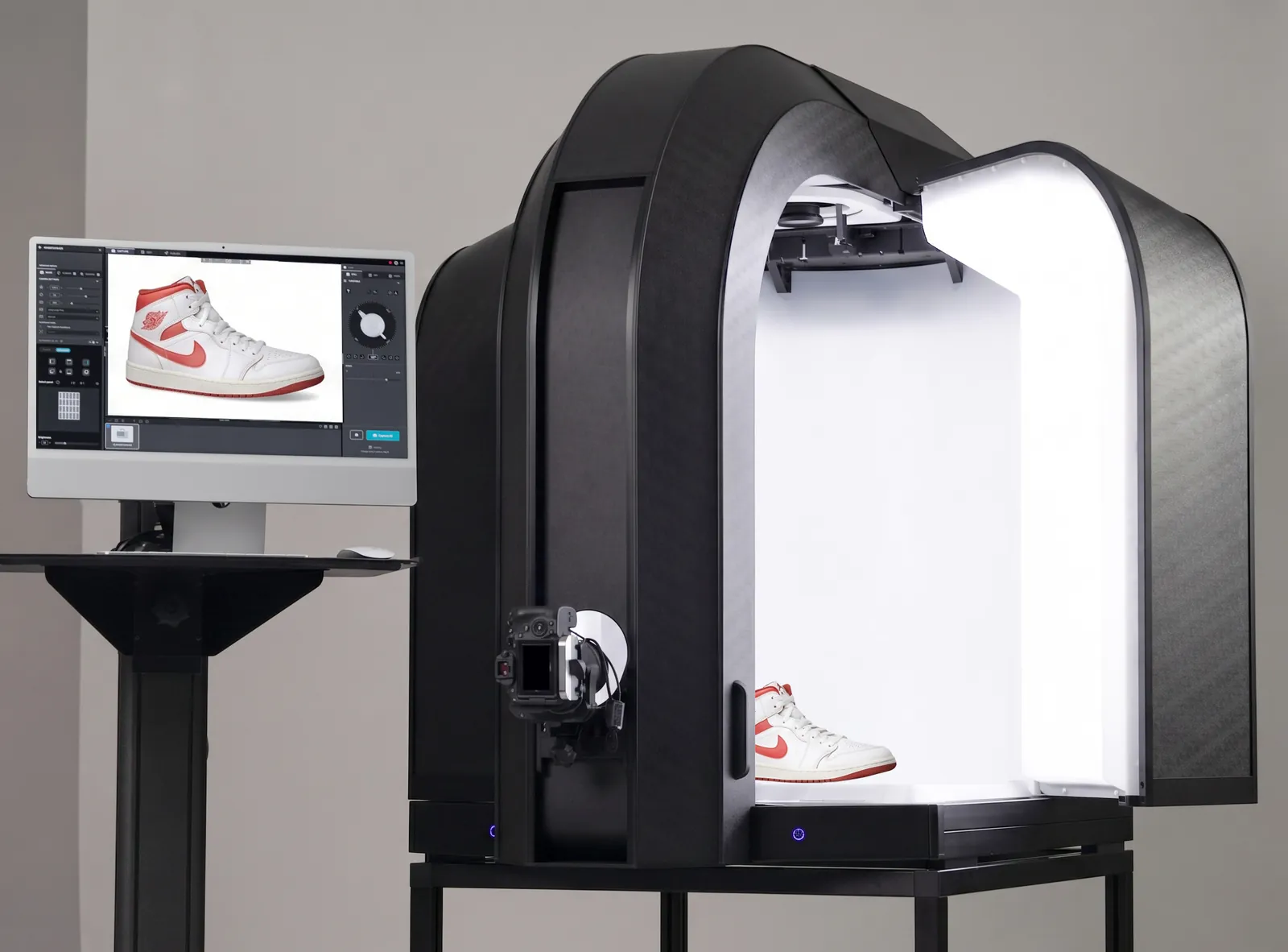
Capture products from various views at different angles. With up to 5 cameras and the turntable, the whole process is automated. Our software automatically removes the background, batch post-processes, and publishes - all from a single workstation. Additionally, our publication presets enable automatic cropping, scaling, alignment, and uploading to the web or saving to a disk.
Top-Down Live Preview of Black Boot

Multi-purpose

Produce product spins and videos for e-commerce, social media, web, and print. Capture products of any type or size and take images and videos of live models. Want to make your product stand out even more? Easily create product tours to highlight unique features and really showcase all the details.
Full Body Photo

Hardware-based image post-production

Automated photo editing takes the hard work out of capturing images. Hardware-based image post-production benefits from multi-image capture to separate the background and generate shadows. As a result, the users can achieve images and videos that faithfully reflect reality, but unlike AI-based post-production, it does not require cloud processing, takes less time, incurs no additional costs, and maintains pixel-level precision at the original camera resolution.
Red high heel shoe

Flexibility and openness for integration

As we follow the innovation path using cutting-edge AI/GPU technologies, we work hand in hand with our partners to simplify the creative workflow and give our clients the independence to produce engaging content from A to Z, 100% in-house.

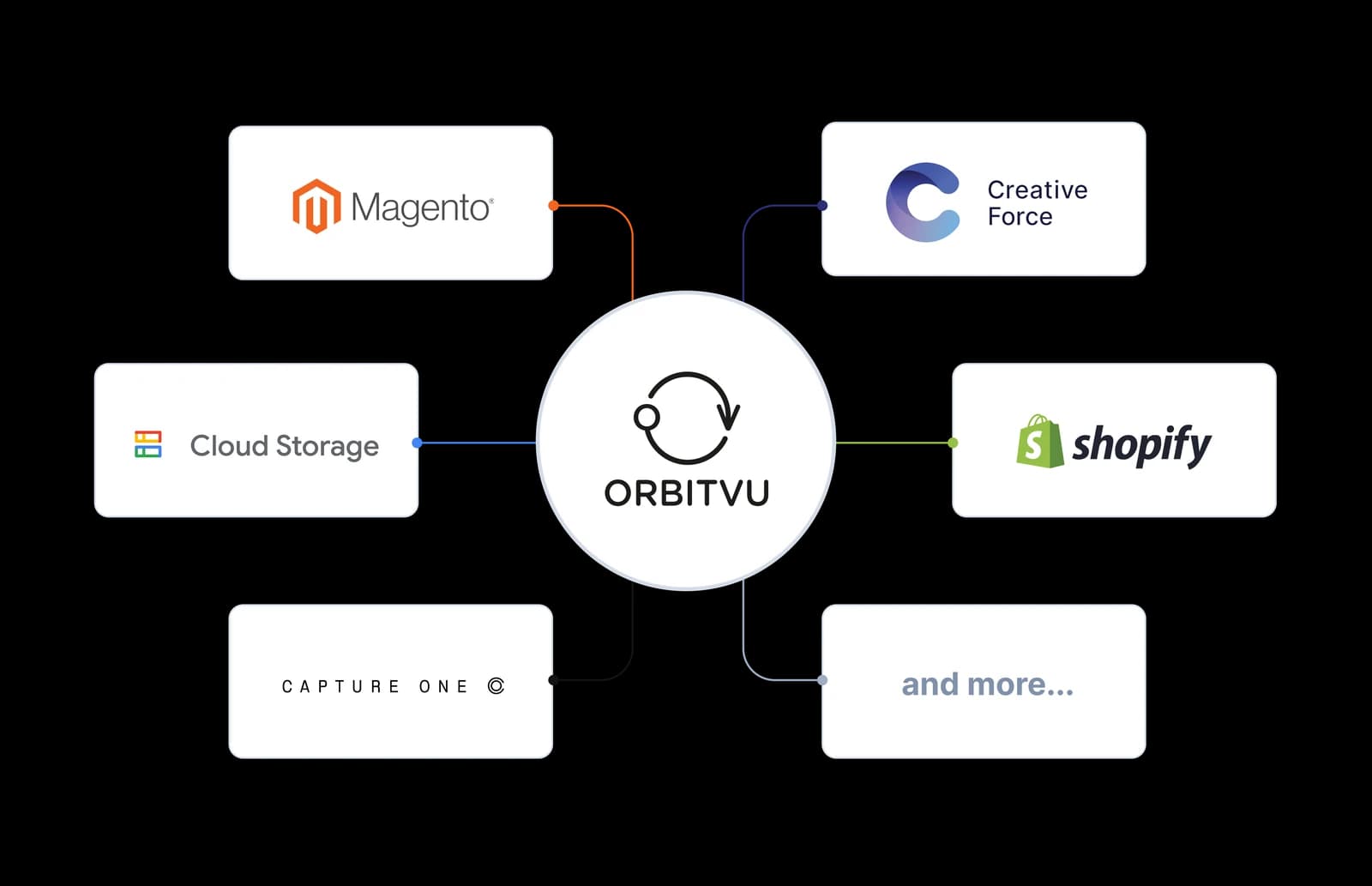
Orbitvu Station can be integrated with RAW processing tools such as Capture One. We also provide integrations with the most common e-commerce platforms (i.e., Magento, Shopify, PrestaShop) and workflow management tools (Creative Force, Shotflow). Using custom attributes, barcodes, and JavaScript action scripts, you can easily integrate Orbitvu Station with almost any DAM/PIM/ERP system you need.

Any capture and post-production settings can be customized, so you are not limited to pre-defined capture templates.

Orbitvu Station workflow

E-commerce and retail businesses like yours use photos of stock to present to customers. These pictures should be clear and attractive. Keep up with changing trends and get new stock posted swiftly with a fully integrated software system that works when you do. E-commerce product photography software like Orbitvu Station combines cutting-edge technology with effortless functionality.

1
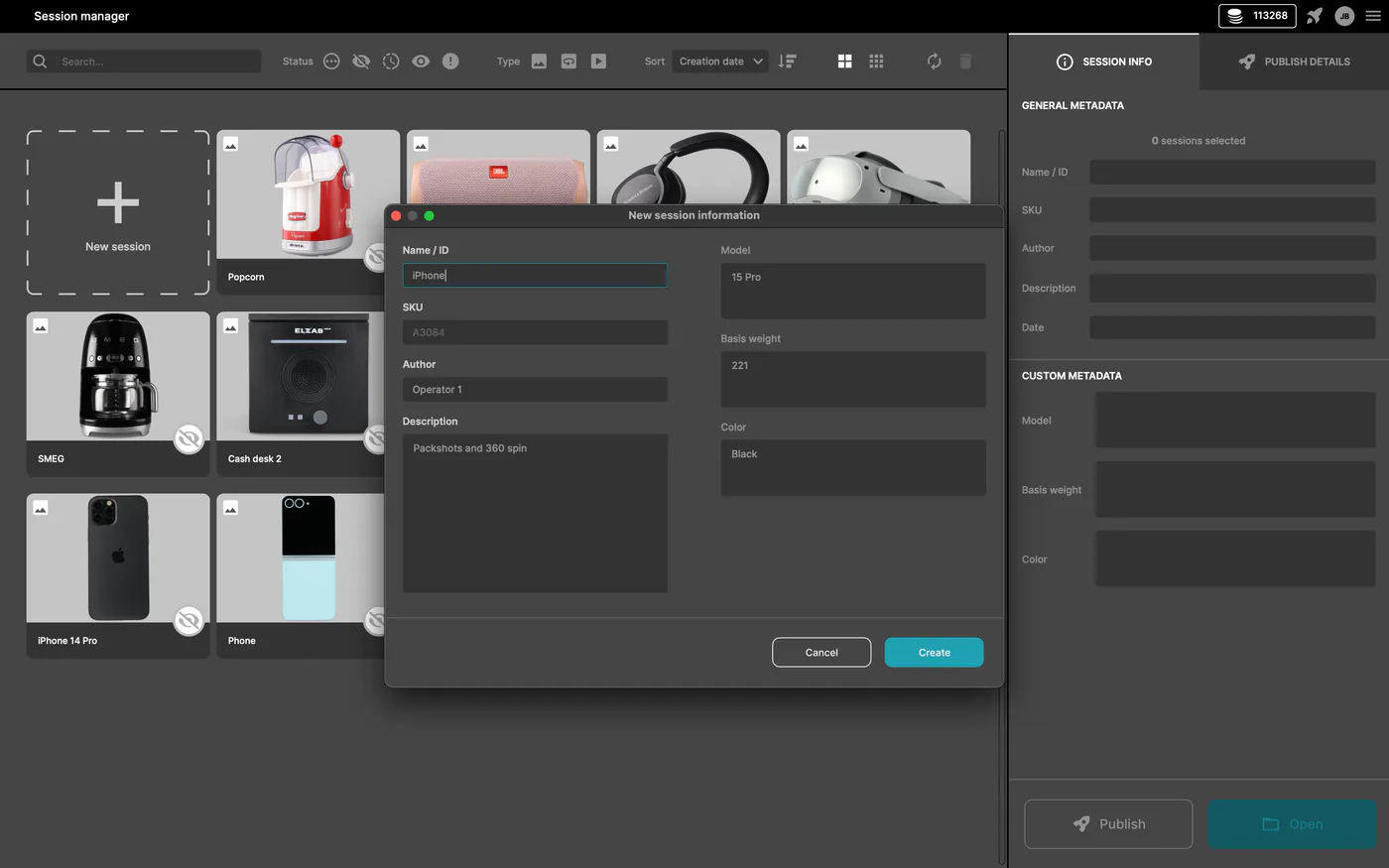
Session Manager and Publish Profile Selection

Effortlessly manage your product session

Create product sessions, manage custom attributes, and batch publish all content at once. Product sessions can be created on a capture workstation and easily moved to a post-production one when your workflow requires it.
2
AI Photo Assistant Processing

Automatically capture your products

Scan the barcode, place the product inside your Orbitvu device, choose your favorite template, or let AI Photo Assistant suggest the best lighting and camera settings, and press a single button to capture images, 360° photos, or videos. It doesn't get easier than this!
3
NARS Climax Mascara Red Tube and Brush Still Life

Hardware-based image post-production

The software uses hardware to remove the background and applies post-production while the images are captured. Fine-tune the images, and easily clone your content to make product variants in different colors. With no added costs, no processing in the cloud - it's fast and pixel-precise up to the original camera resolution.
4
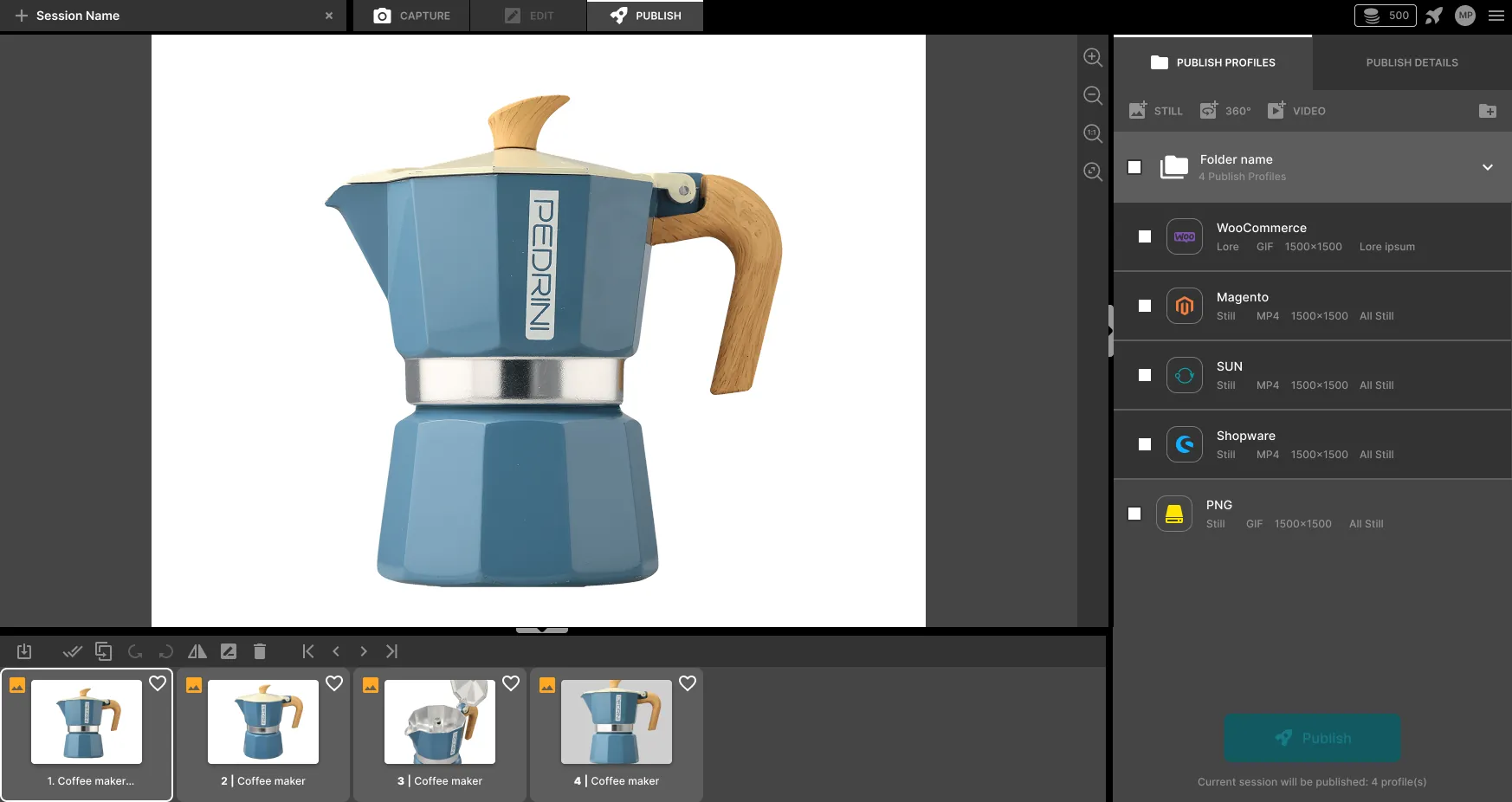
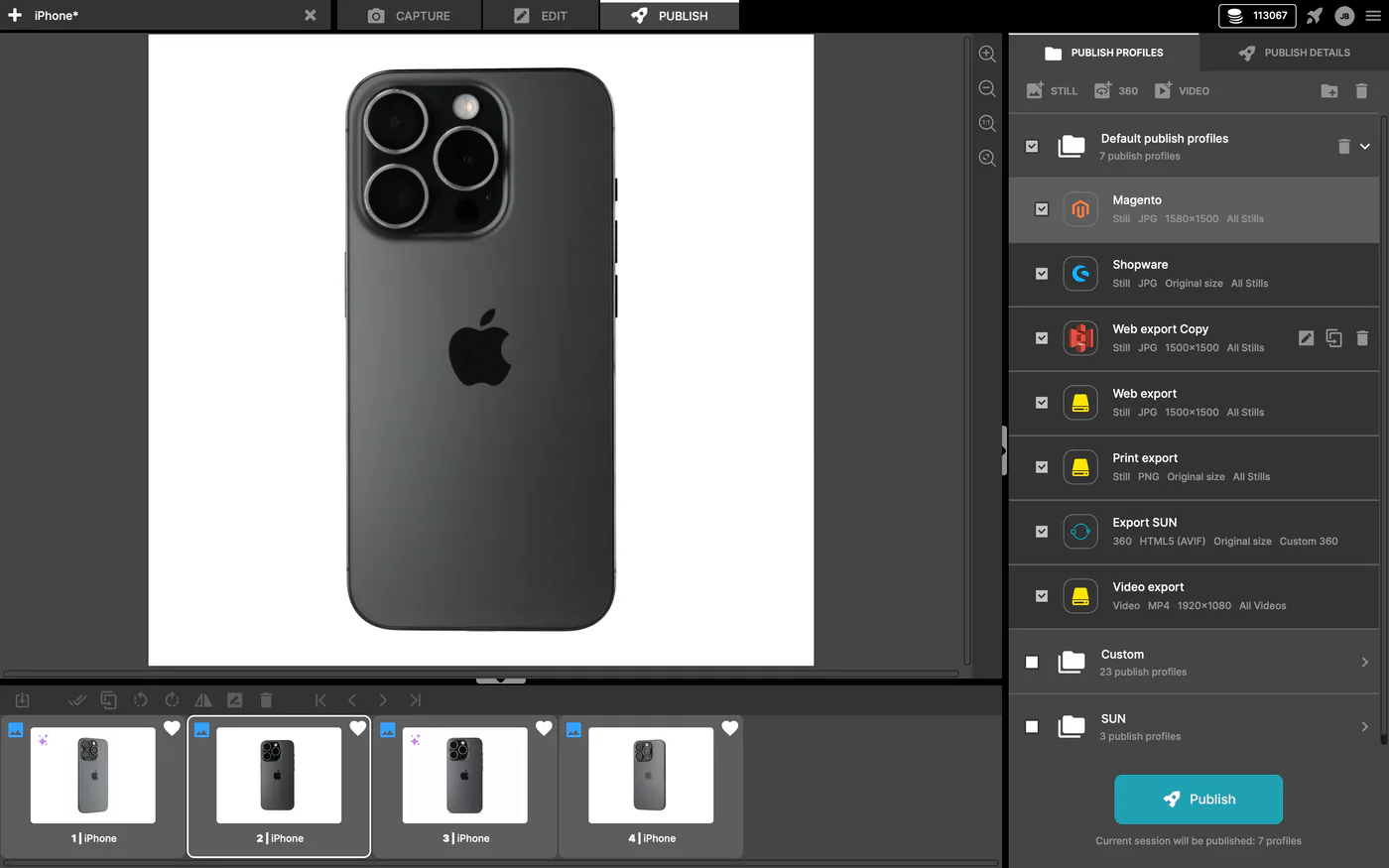
NARS Mascara Photo Export Settings in Product Photography Software

Batch publish to various locations

Choose one or more publishing profiles to export files to various locations for e-commerce, web, or print. Use metadata or action scripts to connect with your external systems or services. Publish directly to your online shop using one of our e-commerce plugins. The software automatically crops, aligns, scales, and saves content in a specific format and resolution.

Try out the software yourself and discover how it can help your business

You already know which solution is best for your business?
Get an offer
Not sure which Orbitvu solution fits your business needs best?
Book a Free Demo

Read about the technology behind our powerful software

Orbitvu Viewer is our state-of-the-art viewing application that seamlessly integrates with your e-shop. It will help you showcase your products with details in your style and on any device. The best software for product photography makes production effortless while showcasing your brand. Capitalize on various angles, lighting and color to bring out the best in your products. Our software helps you save time, from shooting to printing, with a scalable system that lets you produce new content on demand.
Automatic background removal

Automatic background removal

Hardware-based image post-production, the technology behind background removal, fully and automatically erases the background while preserving the natural shadow. With zero hassle. The software can also recognize and remove translucent product supports.
Auto-cropping and auto-alignment

Auto-cropping and auto-alignment

During the publishing process, the object can be automatically cropped, scaled, and aligned in the final image. Even if your product wasn't well-positioned, the software will make sure it is perfectly aligned in the output image.
Multi-view multi-camera capture

Multi-view multi-camera capture

Orbitvu Station software can control the turntable and a handful of cameras. With a single click, you can shoot products at different angles using up to 5 cameras at once. The product is automatically positioned while the shots are captured with the selected cameras.
Selective recolorization

Selective recolorization

Looking to diversify your content? Use our software to create multiple color variations from a single image. Save a whole lot of time and money on product preparation and shooting.
Post-production tools

Post-production tools

Save even more of your precious time on post-production processes. In the publishing process, you can automatically add a shadow or a reflection of the product.
Capture, edit, merge and output video clips

Capture, edit, merge and output video clips

Capture dynamic videos of live models, while the camera changes position thanks to automatic control of the Motorized Stand's elevation, tilt, and zoom. Trim, apply filters, mask unwanted parts of the video or merge several clips into one file at the required resolution, frame rate, and format. If needed, extract single frames as pictures.
Super Focus Capture of Rose Bracelet

Superfocus

Superfocus (also called "focus stacking") is a technology that allows to extend the depth of field without losing image quality when capturing at optimal aperture settings. On the other hand, the focus peaking feature ensures that the focus is always right where you need it.
New Balance Trail Shoe View in Orbitvu manage interface

Integrated 360° spin viewer

Orbitvu Station offers possibly one of the best 360° product photography viewer out there. The software is equipped with deep zoom and dynamic loading technologies that let you present your products in shots most closely resembling reality.
Image Editing Interface for New Balance Trail Shoe

Non-destructive image processing

All of the images you capture are stored separately and never processed. Post-production operations are applied on the fly, always showing the final result. If you make a mistake and need to take a step back - no problem. You can also separate the capture process from post-production and benefit from further workflow optimizations.
Speed optimization

Speed optimization

Our software is designed to take the least of your time. Time-consuming processes, such as publication, are run in the background, so you can work on the next product, while the previous one is being published. When available, the software architecture takes advantage of GPU acceleration.
Jewelry Product Photo Editing Screen

Publishing profiles

Publish your content to multiple locations at once - locally and online. Choose file type, resolution, custom naming pattern, cropping, and alignment. Add reflection or drop-shadow. Export for print, web, or further post-production in layered PSD format. Preview final image before publishing, with the destination resolution, cropping, alignment, and post-production tools applied.
Image Editing Interface for Yellow New Balance Trail Shoes

Product sessions and metadata management

Orbitvu Station lets you set up and manage individual product sessions along with their metadata. You can select and batch publish as many sessions as you like - corresponding to the number of publishing profiles. Create custom attributes, collect the metadata, and use it for export and custom file naming.

Explore Orbitvu Station third-party integrations

Third-party integrations make e-commerce product photography software easier to manage. It also helps speed up your workflow so you can get more done in a shorter amount of time. With Orbitvu Station, there is no need to give up on your favorite third-party integrations. Maximize your entire system to produce professional results for your e-shop.
E-commerce integrations

E-commerce

Orbitvu Station can upload images and spins directly to your e-shop via Orbitvu e-comm plugins, which are available for Magento, PrestaShop, WooCommerce, Shopware, and Shopify.
Workflow management integrations

Workflow management

Shotflow integration allows you to open and run Orbitvu Station with a predefined session setup and inject captured images directly into the system. Integration with Creative Force supports jobs, samples, and image uploads directly to the CF cloud.
DAM and PIM integrations

DAM/PIM

Orbitvu Station can be easily integrated with most of DAM/PIM systems via JavaScript actions, which can be executed during or after the publishing process.
Canon cameras integration

Canon cameras

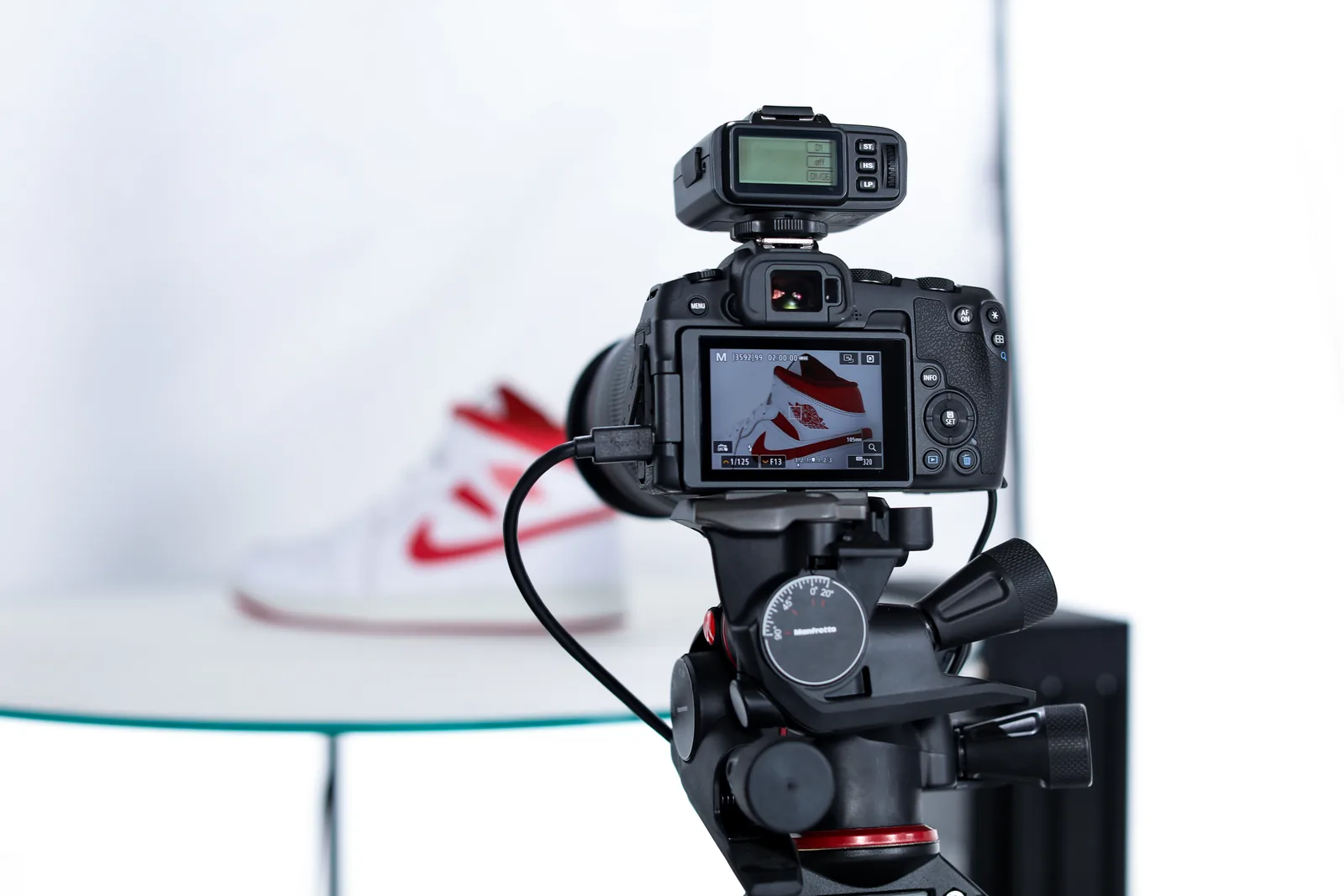
Orbitvu software controls and captures images using Canon mirrorless or DSLR cameras.
RAW processing integration

RAW processing

Orbitvu Station can send RAW images for development to the most popular software.
JavaScript actions integration

JavaScript actions

JavaScript actions can be executed on different events, such as image publishing or new sessions. This allows you to plug into the Station with your own tools and integrations, i.e., DAM/PIM/ERP file upload, additional image post-production, EXIF metadata manipulation, and RAW processing.

Try out the software yourself and discover how it can help your business

You already know which solution is best for your business?
Get an offer
Not sure which Orbitvu solution fits your business needs best?
Book a Free Demo

Learn more about our other software solutions

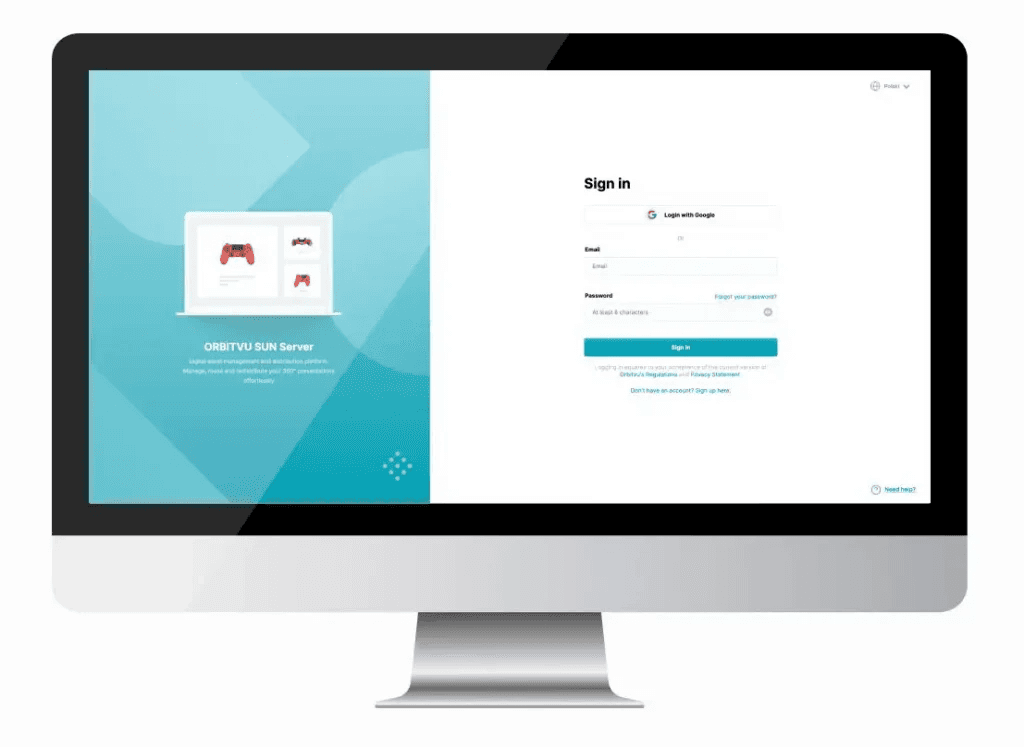
Server Login Screen on Desktop Monitor

Orbitvu SUN Cloud

Orbitvu SUN Cloud is a SaaS cloud platform that enables you to seamlessly manage, share, and distribute your product content. It allows you to easily create product tours that combine high-quality 360-degree spins with hotspots, images, and videos. Think of it as a product-oriented DAM on steroids.
Go to Orbitvu SUN Cloud
E-commerce Platform Integration Logos

Orbitvu e-commerce plugins

E-commerce plugins complement the Orbitvu Product Teleporting mission and allow you to get product content automatically delivered to your e-shop.
Learn more about Orbitvu plugins